Installing PasteSuiteAI on Windows
A quick, illustrated walkthrough
Step by step
- Open the downloaded file PasteSuiteAI_x64-setup.exe.
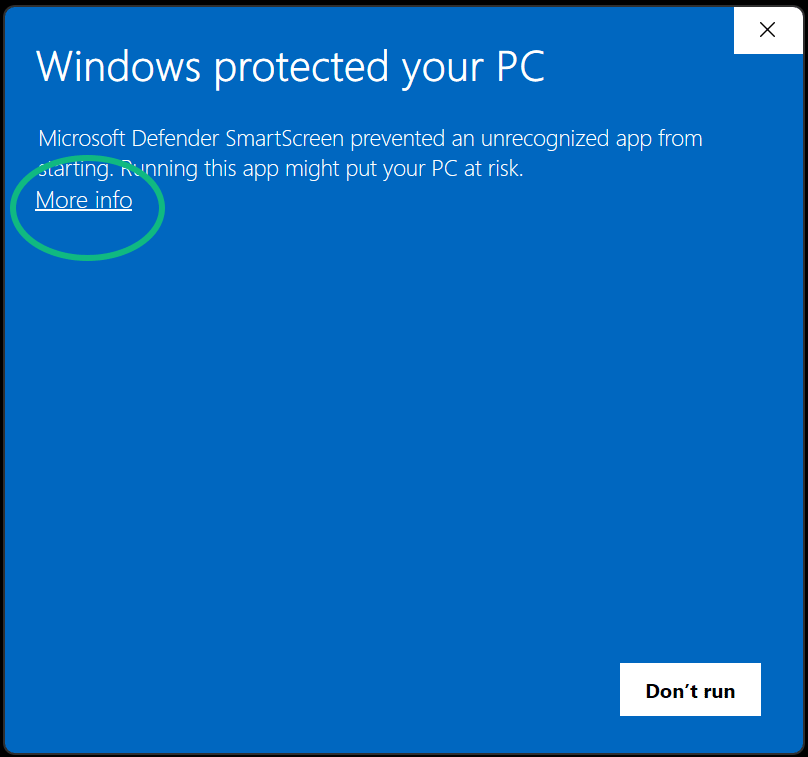
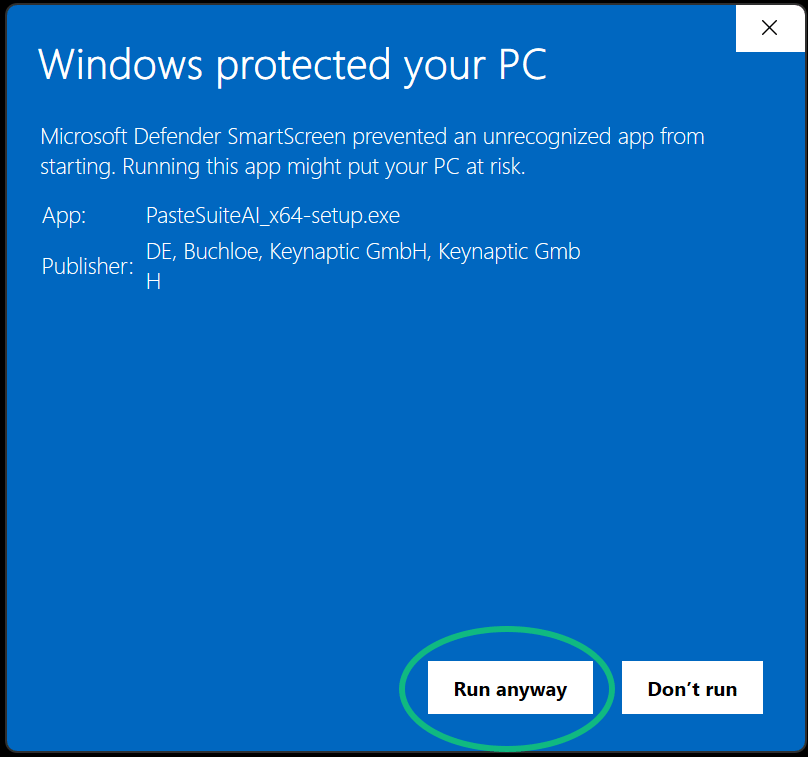
- Then follow the installer — that's all.
Business PC, or the file won't open?
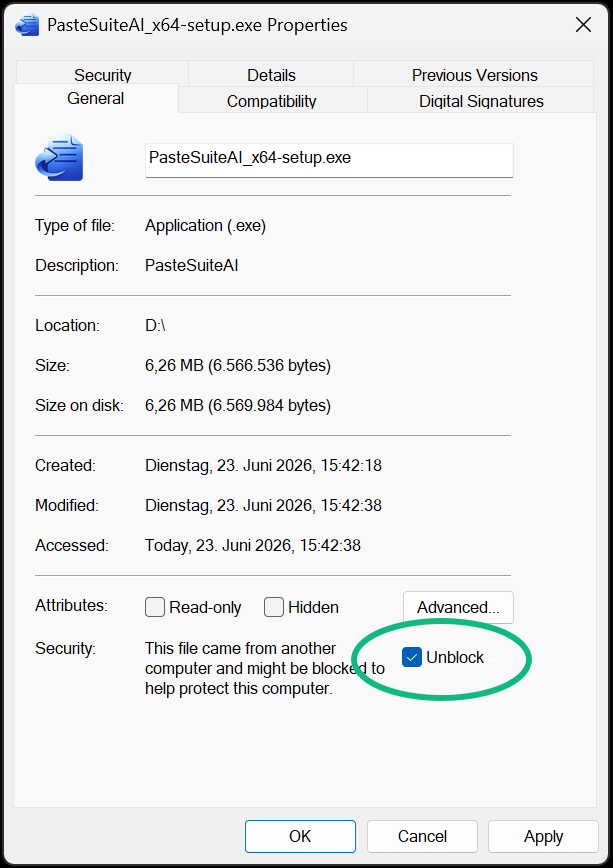
Questions or stuck? Email us at billing@pastesuiteai.com.