Installing PasteSuiteAI
Step-by-step guides for Windows, macOS, and Linux · version 1.0.2
Windows (stable)
Step by step
- Open the downloaded file PasteSuiteAI_1.0.2_x64-setup.exe.
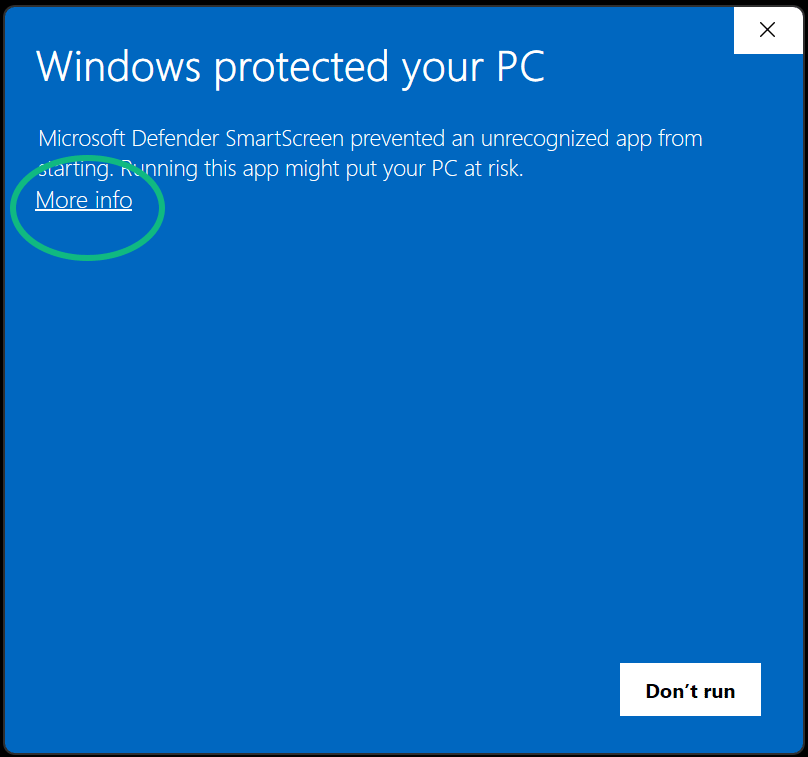
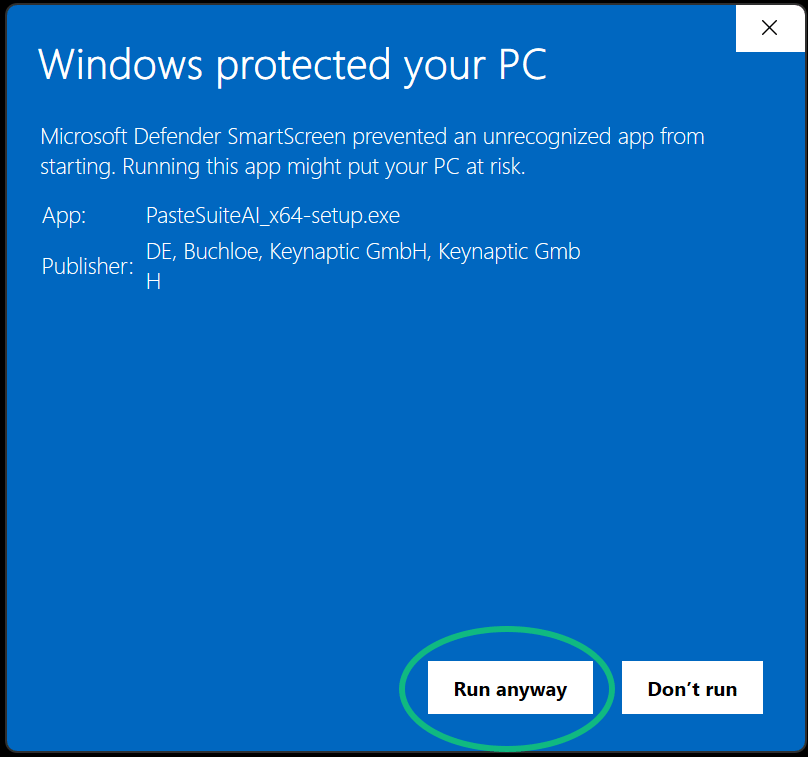
- Then follow the installer — that's all.
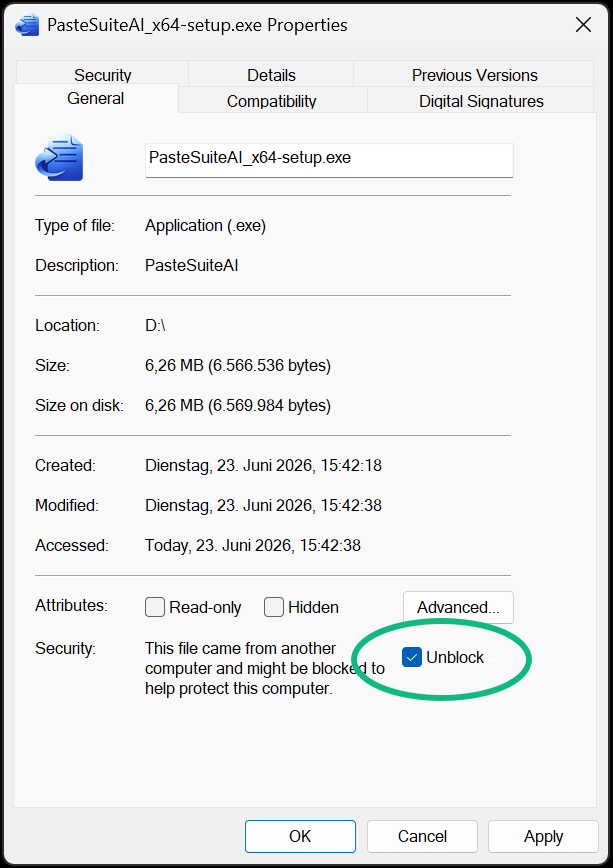
Business PC, or the file won't open?
Questions or stuck? Email us at billing@pastesuiteai.com.